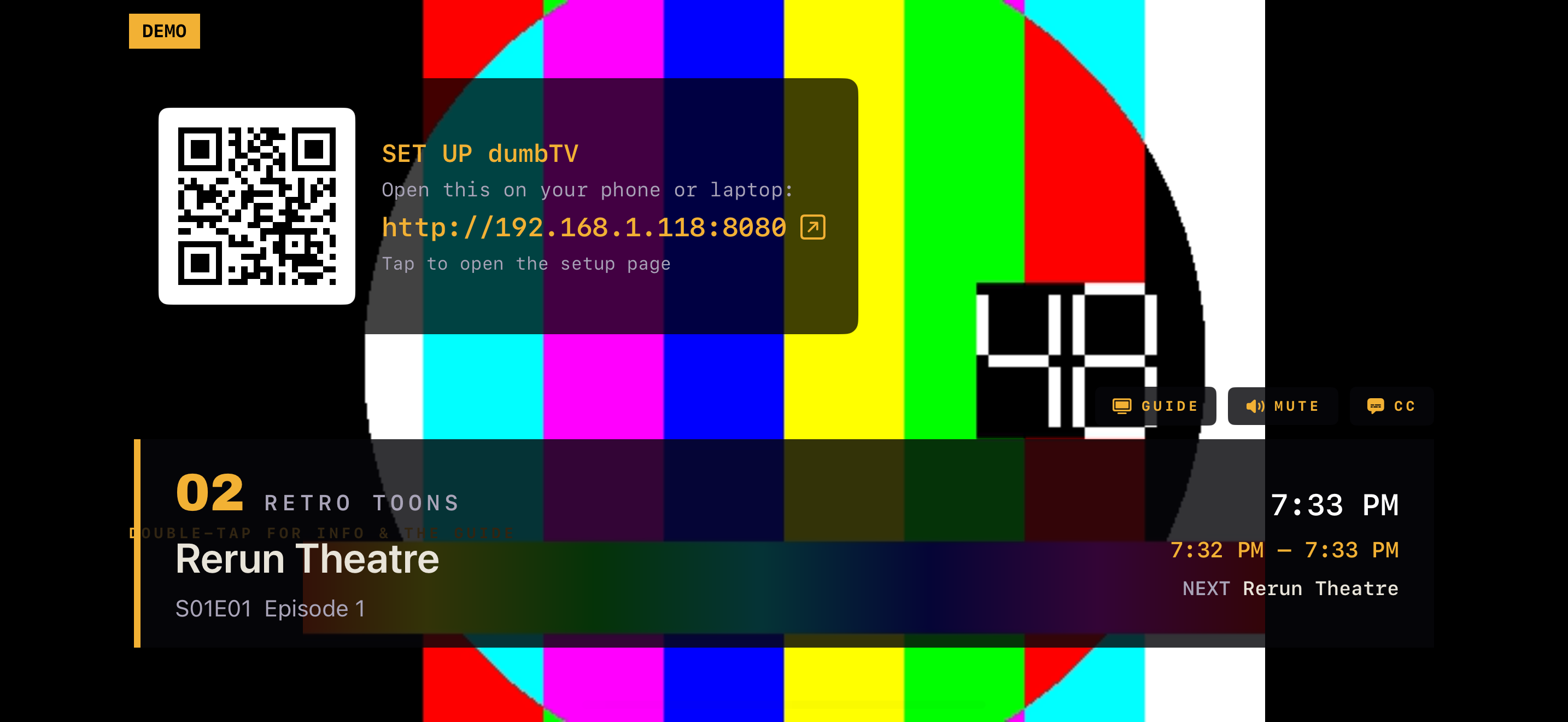
NOW PLAYING
Your Plex library, as a 1990s cable box.
There's always something on. Flip channels and take what's playing.
ALWAYS ON — 7:33 PM
iPhone · iPad · Apple TV · Mac — self-host on Pi or Windows.
NOW PLAYING
There's always something on. Flip channels and take what's playing.
ALWAYS ON — 7:33 PM
iPhone · iPad · Apple TV · Mac — self-host on Pi or Windows.
It's the anti-streaming app. No grid of thumbnails, no "are you still watching," no endless choice. You build channels once — Saturday cartoons, a movie channel, a marathon — and dumbTV runs them as continuous broadcasts, whether anyone's watching or not. Tune in and you join the show already in progress, exactly like real TV.
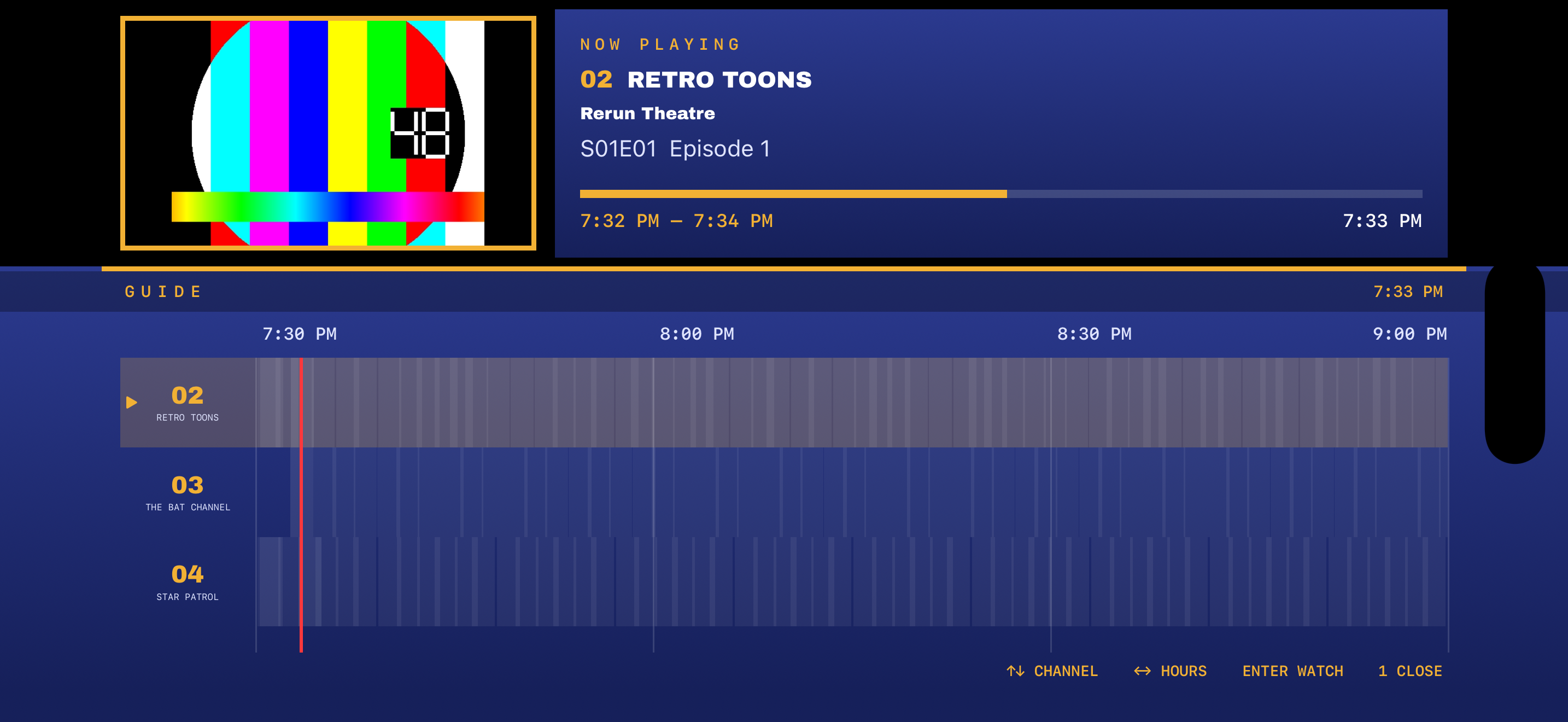
GUIDE
7:33 PM
Sample lineup. The red line is now — the times are real.
Turn it on, take what's on.
Every channel is always mid-broadcast.
It's live — that's the point.
Never transcodes, never touches your watch state.
Your device, your network. No cloud, no account, no tracking.
iPhone, iPad, Apple TV & Mac. Configure from any browser on your network.
1
Install dumbTV; it shows a setup URL + QR code.
2
Open that on your phone, link Plex, build a channel.
3
Flip channels and watch. There's always something on.
Requires a Plex Media Server on your network. Comes with a built-in demo lineup so you can see it working first. Full setup guide →
One app for iPhone, iPad, Apple TV, and Mac. Self-hosters: the same broadcast engine runs on a Raspberry Pi or Windows, straight from the repo.